
I Cannot Find Photos in The Report That I Purchased
To look through the pictures please scroll the report down to the section "Sales history" or just choose section "Sales history" in the dashboard of the report.
If you see "show all photos", click this button to view more pictures:
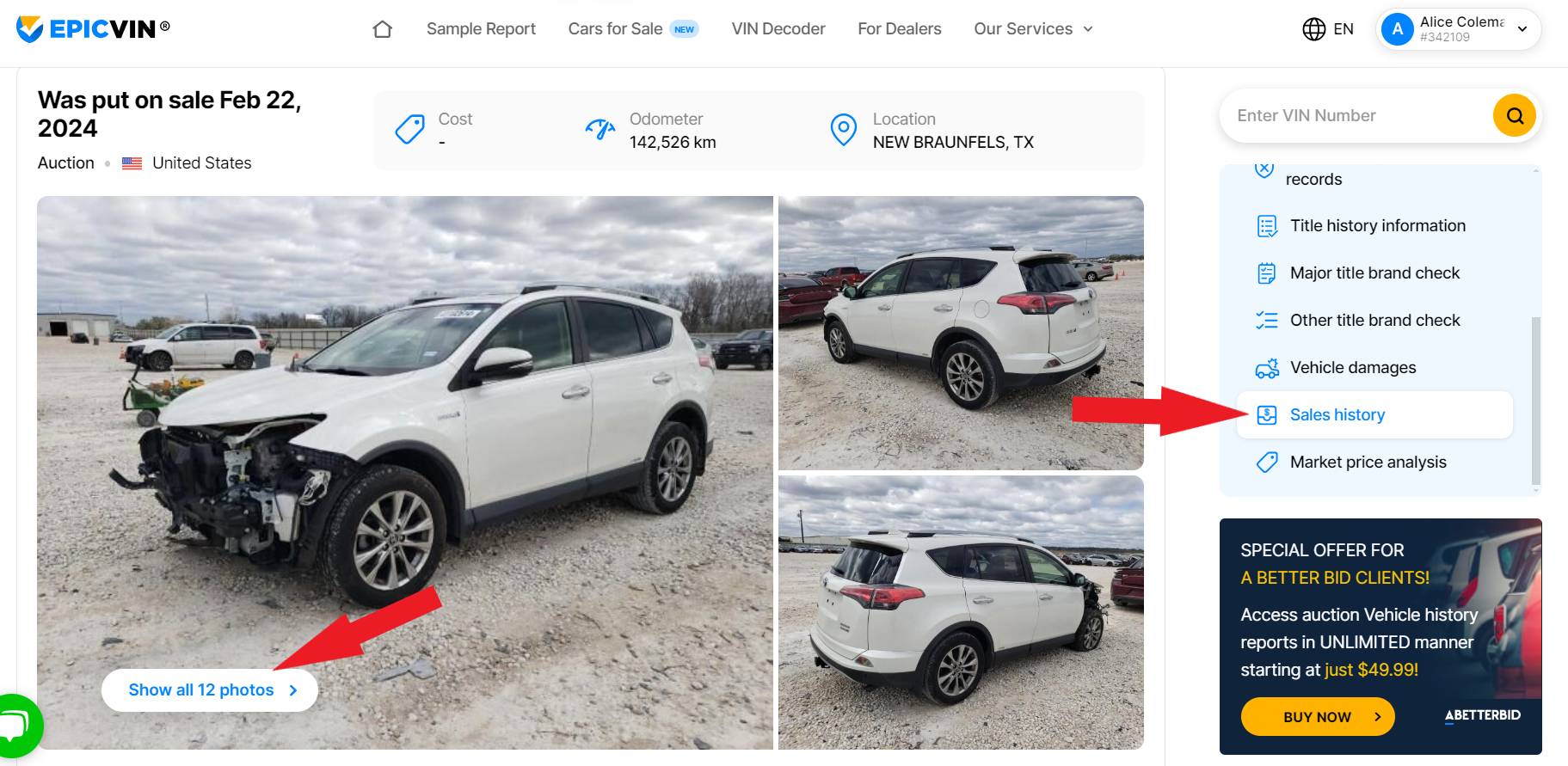
This way, you will see all available pictures of the vehicle.