
How Can I Print My EpicVIN Report?
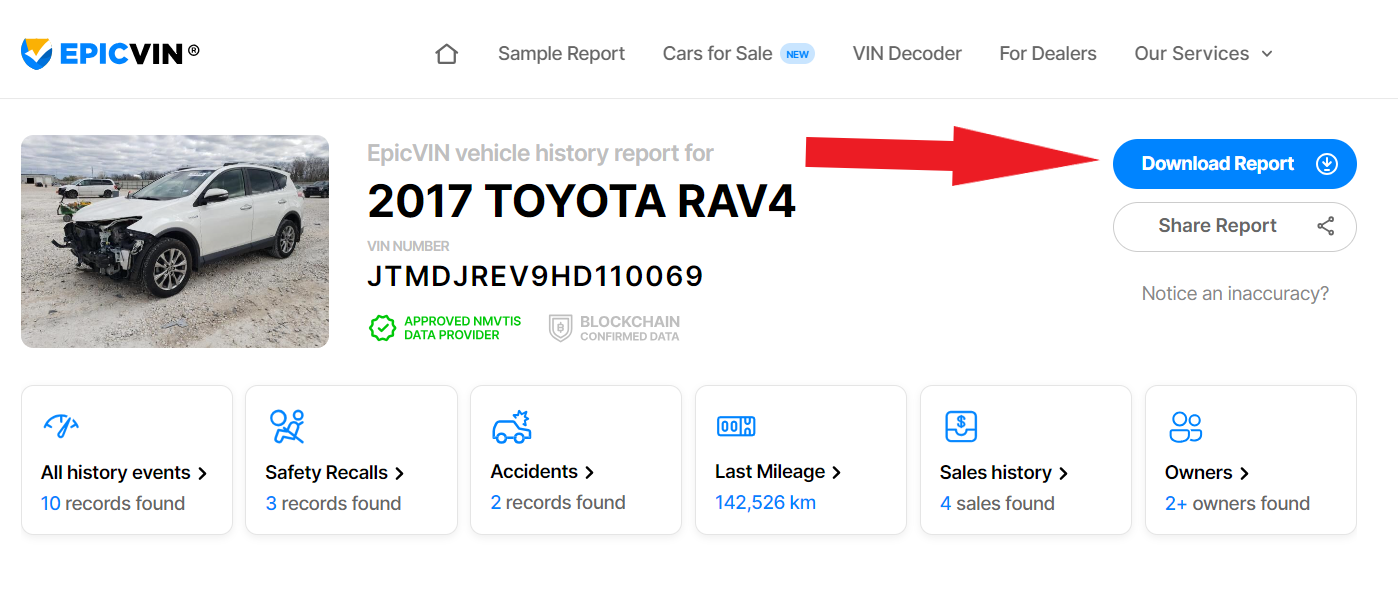
To save or print your report, you need to download it as a PDF file. You can find it at the top of your report page – look for a button saying "Download":
Another way to download a PDF is to go to the My Reports page in your account and press the PDF button next to the View button:

Please wait a moment for the PDF file to be generated. This can take a few seconds.